Xero tools: find the one for the job
Each of these apps does one bulk job in Xero that Xero itself does only one record at a time, or not the way the job needs. Every one starts free and sells its own plan with checkout by Paddle. They are independent apps by Atesen Software and are not affiliated with, endorsed or certified by Xero.
Founding offer: the code FOUNDING40 takes 40% off the first payment of Unapprove, Repeatwise, Sendtide, Billsift, Paysweep and Creditloom until 30 November 2026; their checkout applies it by itself.
An approved invoice or bill has to change
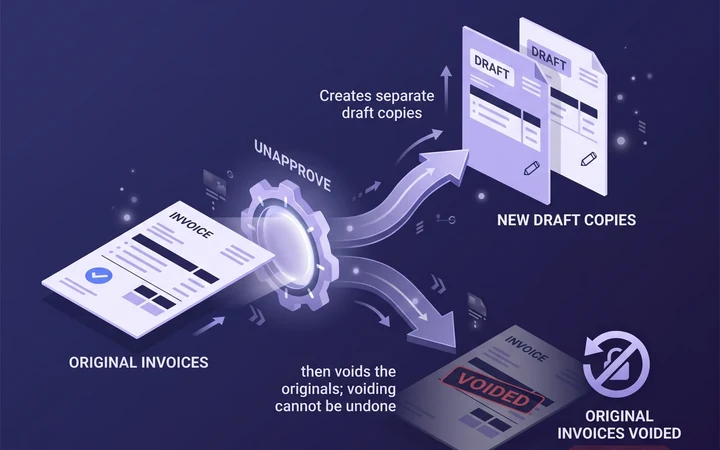
Xero does not move an approved invoice or bill back to draft. Unapprove creates draft copies of approved Xero invoices and bills, voids the originals or exports attachments in bulk.
- Free trial: 3 documents, no card. Try free, no card
- From $29 a month, or the $49 Clean-up Pass, one-off for 30 days with no renewal.
- Full refund within 14 days if no document was processed. Checkout by Paddle.
Prices on many repeating invoices have to go up
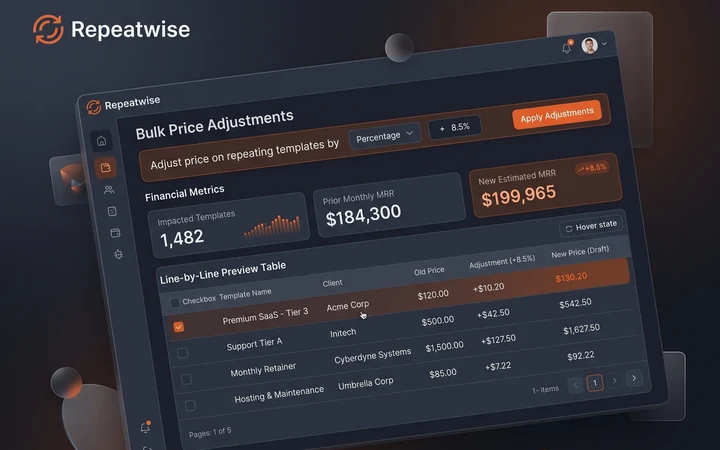
Repeatwise raises prices on all your Xero repeating invoices at once, with a preview of every line.
- Free plan per organisation. Try free
- From $39 one-off pass, or $59 a month, or $590 a year.
- Full refund within 14 days if no template was changed. Checkout by Paddle.
Many sales invoices have to be approved and emailed
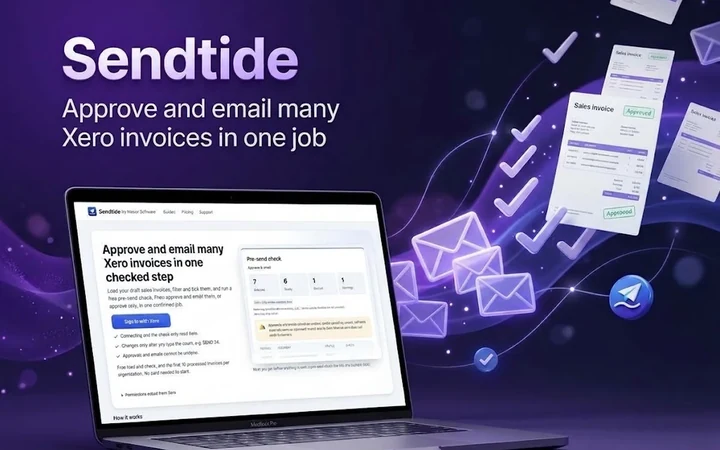
Sendtide approves and emails many Xero sales invoices in one confirmed job, after checking recipients.
- First 10 invoices free. Start free
- From $12 a month, or a $19 pass for 7 days.
- Unused pass refunded within 14 days. Checkout by Paddle.
Bills have to be paid by department or tracking category
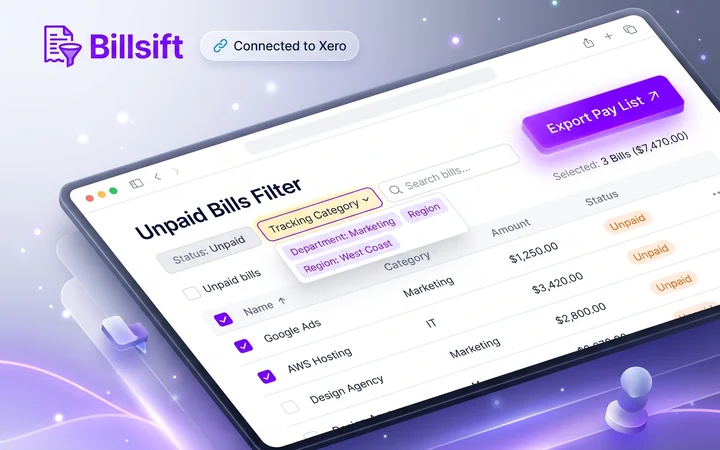
Billsift filters unpaid Xero bills by tracking category; exports and batch payments use each selected bill’s full remaining balance.
- Free 14-day view and export trial. Start free
- From $15 a month, or $19 for a 7-day pass.
- Unused pass refunded within 14 days. Checkout by Paddle.
Open credit notes have to be applied to invoices
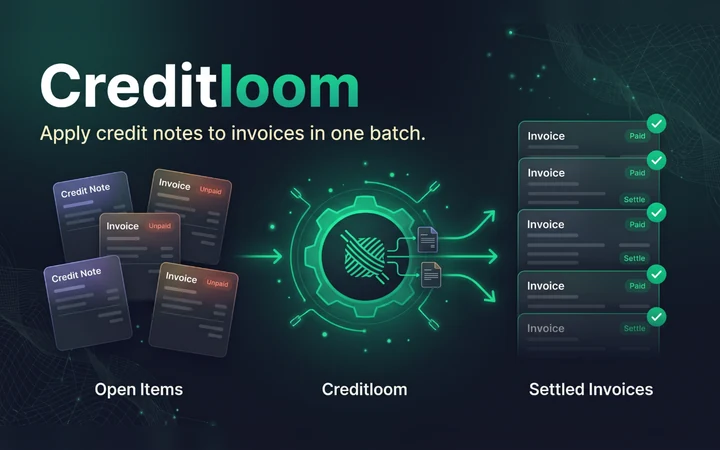
Creditloom applies open credit notes to unpaid Xero invoices in one batch, after you check the proposal.
- Free plan per organisation. Try free
- From $29 a month, or a $39 pass for 7 days, or $290 a year.
- Full refund within 14 days if no allocation was applied. Checkout by Paddle.
Many payments have to be recorded from a spreadsheet
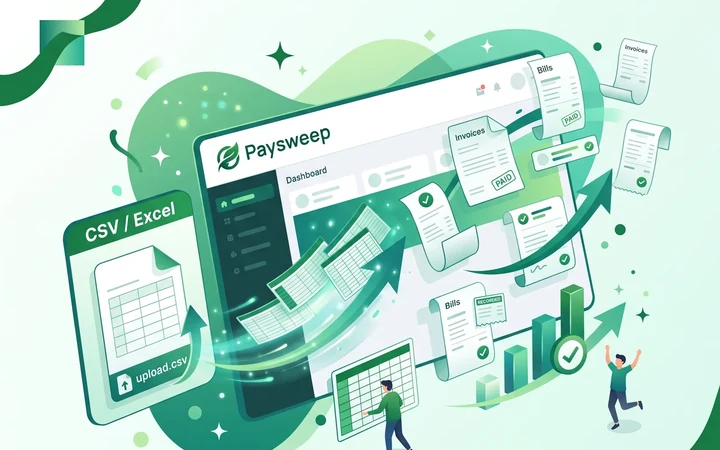
Paysweep records Xero invoice and bill payments from CSV or Excel, with 30-day undo for eligible payments.
- First 3 payments free, no card. Start free
- From $19 a month, or a $39 pass for 7 days.
- Unused pass refunded within 14 days. Checkout by Paddle.
Each app has its own pricing, terms and refund page; the lines above repeat what those pages say, checked on 5 November 2026.